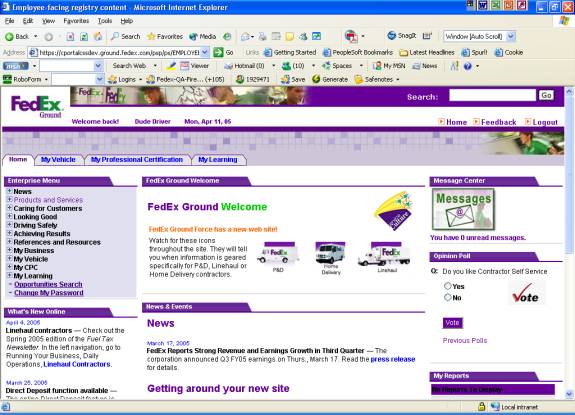
Changing Your Expired Groundforce Portal Password
Once you see the message “Your password has expired”,
follow the steps below to change your password.
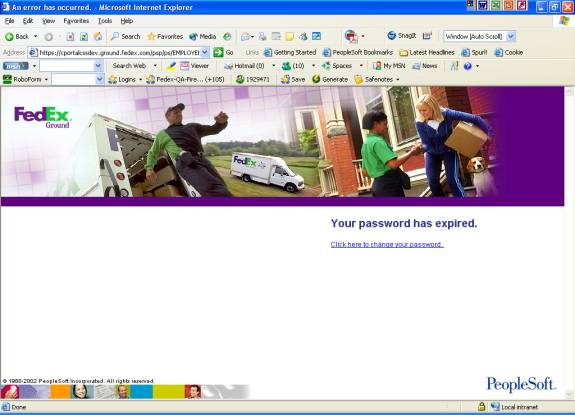
Use the mouse to
click on the link Click here to change your password.
In the resulting
page, enter your current password ,new password and confirm password (same as
new password). Follow the password rules:
- Passwords must be at least 8 characters and
must contain at least one number and one special character (#,
*, &, !, ?).
- You will be prompted to change your password every 90
days.
- You cannot use any previously used password.
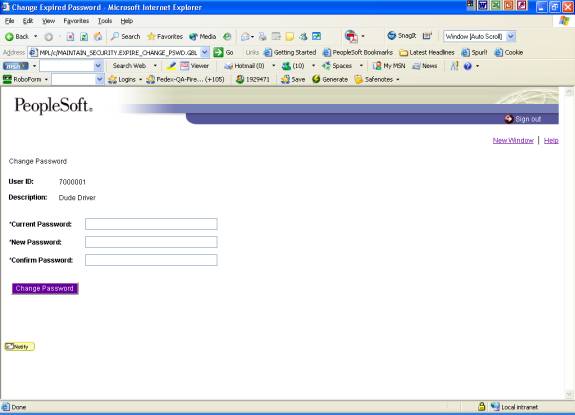
Click on the Change Password button
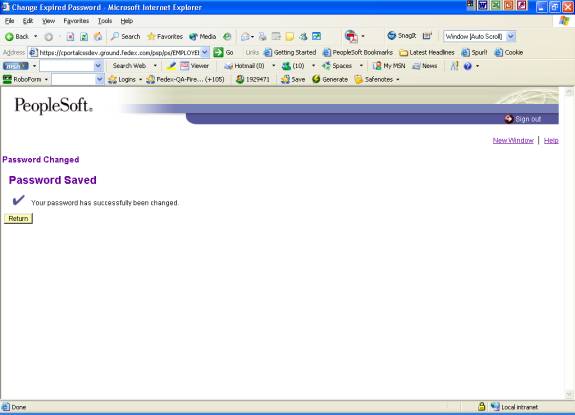
Click on the Return
button to Go back to the Groundforce portal home page. (Essential,
otherwise password change is not saved).